


Configuration software
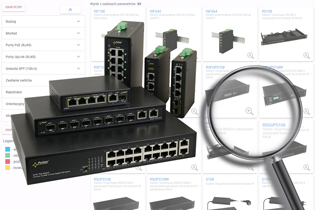
Switch Finder
Pulsar introduces a series of product search engines, making it easier to find products that meet your expectations.
We present to you the switch search engine.
Run the program »
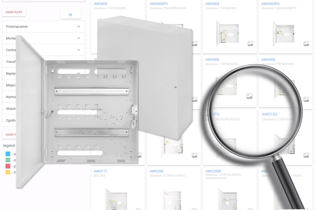
Search for enclosure
Pulsar introduces a series of product search engines, making it easier to find products that meet your expectations.
We present you with a housing search engine.
Run the program »
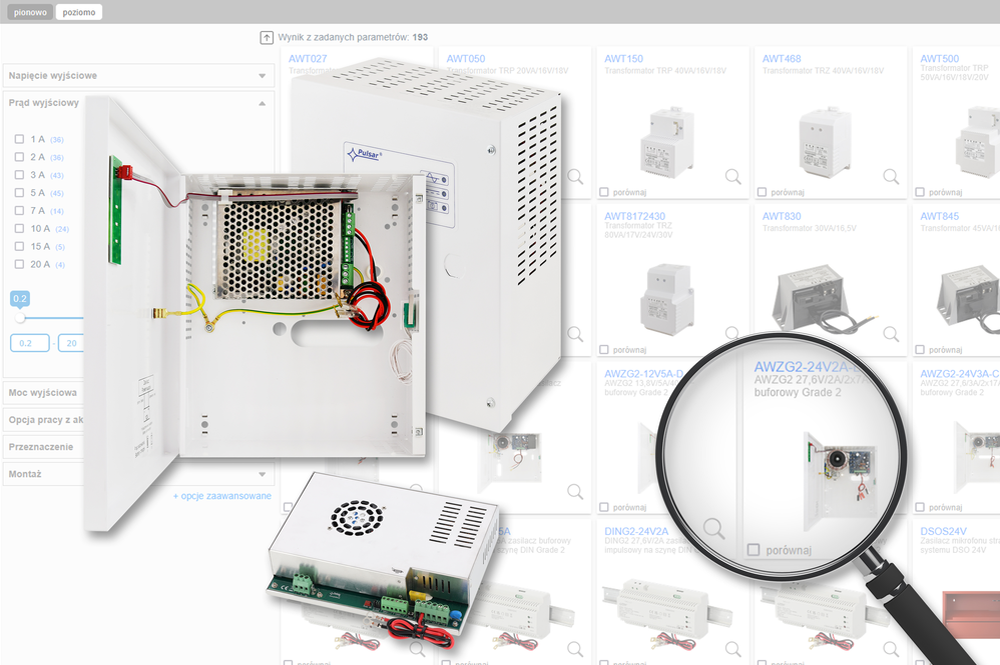
Search for power supplies
Pulsar introduces a series of product search engines, making it easier to find products that meet your expectations.
We present you with a power supply search engine.
Run the program »

CONFI-SWITCH®
CONFI-SWITCH®
For configuring the appropriate PoE switch power system, the CONFI-SWITCH program was created.®.
This program enables the configuration for the appropriate switch for the CCTV-IP system along with the dedicated power supply system.
Available options:
- Choice of stabilized or buffered power supply
- Addition of a power circuit for a recorder (or another device)
- Space for recorder / switch RACK / patch panel
- Selection of power system components from the current PULSAR offer based on discontinued products
- The possibility to create your own system
Run the program »
CONFI-DSO® PRAESENSA
CONFI-DSO® PRAESENSA
A publicly available tool for designing and pricing the DSO-PRA power supply system, available online 24/7 – net retail pricing, net pricing after applying the granted discount, the ability to save configurations to a local disk, and more...
Optimized price
Optimized cost of the DSO-PRA system by applying an appropriate battery selection algorithm based on the number of selected devices in clusters, as well as assigning the appropriate size of the RACK cabinet.
RACK 19” cabinets
The design of the DSO-PRA system is based on a 19” RACK cabinet with IP30 protection, in which all system components are placed. The cabinet size is individually selected depending on the system’s complexity and the number of devices used.
Clusters – grouping of Bosch PRAESENSA devices
The devices in the cabinet are grouped into so-called clusters. Each cluster consists of an MPS3-PRA power supply and its own battery, thereby ensuring full autonomy for the powered devices. Each cluster occupies 6U, and in addition to the 2U power supply, there is space for: PRA-SCL controller, PRA-AD604 amplifiers, and PRA-AD608 amplifiers. The rear part of the cluster allows for the installation of a PRA-ES8P2S switch.
Run the program »
CONFI-DSO® PAVIRO
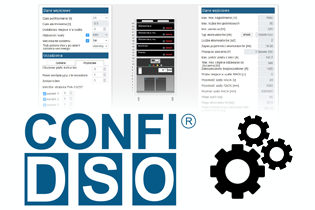
CONFI-DSO application® PAVIRO - is a publicly available tool for constructing and selecting components of the DSO system:
- Online collaboration, the ability to save on disk, etc.
- DSO power supplies available in four power variants: 320W / 500W / 750W / 1000W
- Appropriate selection of batteries – 10 different capacities from 35Ah to 230Ah
- Limiting the number of battery circuits to a maximum of two
Run the program »
CONFI-RACK®
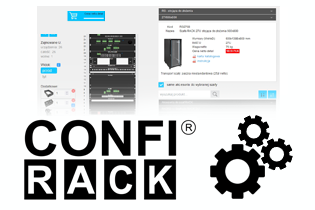
We present the CONFI-RACK®
program designed for hardware and pricing configuration of our offered RACK cabinets and accessories. The program is available online, allowing for constant access. Its simple, intuitive interface enables:
- Quick selection of the appropriate RACK cabinet
- Clear assignment of accessories to the given cabinet
- Preparing a retail price, with a discount if applicable
- Printout of the summary: pricing, arrangement of accessories in the cabinet
- Consideration of placement during configuration of devices not purchased from our company, e.g., UPS
Run the program »
Assembly of alarm control panels
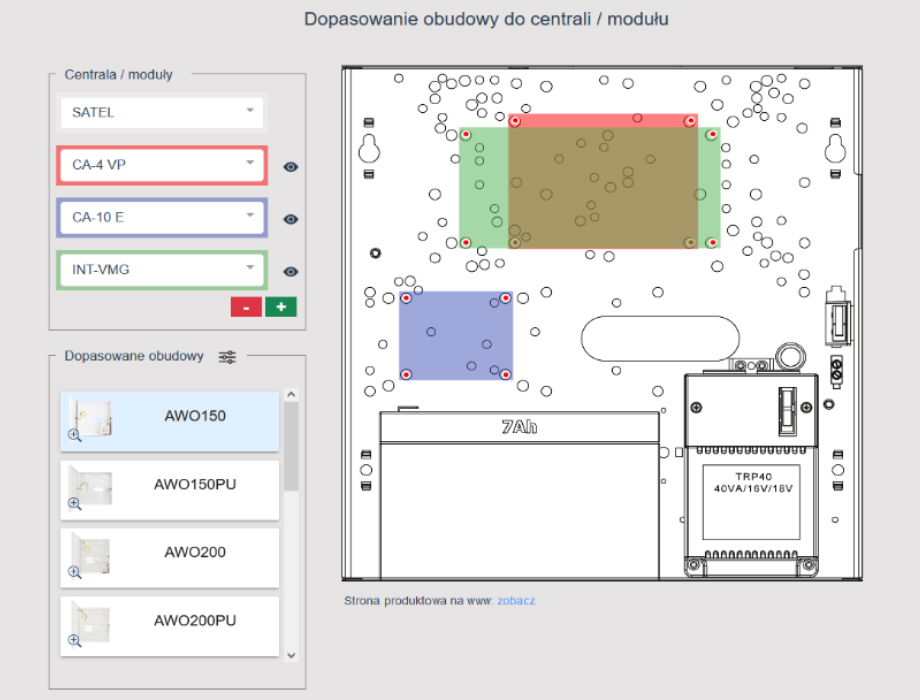
The "Central Installation" program has two functions:
- 1. Allows for the selection of appropriate housings for the central units and modules of a given manufacturer, along with their arrangement in the housing
- 2. Allows checking which controllers/modules fit a specific housing
„Central installation" version 1.1 has been developed for:
- 1. Manufacturers of central units: SATEL, DSC
- 2. Includes security enclosures: surface-mounted
Run the program »
Calculator
-
Voltage Drop Calculation:
-
Power Calculation:
-
AWG conversion:
-
Battery selection